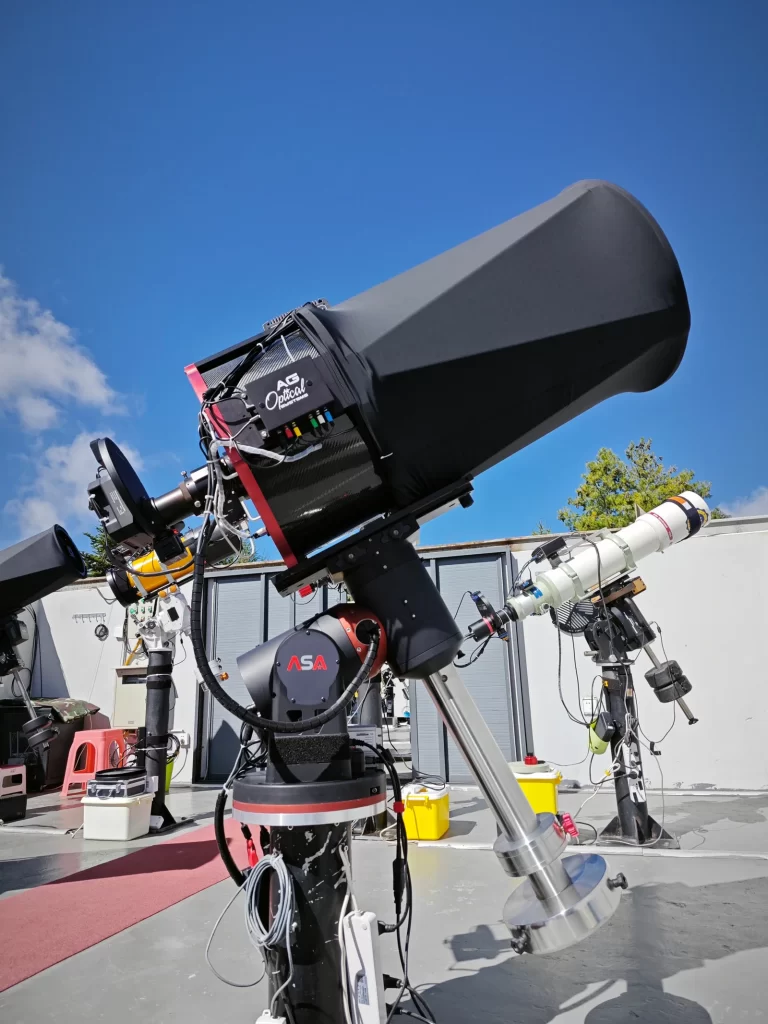
As technology makes it possible and increasingly accessible, more and more astrophotographers turn to remote hosting facilities to take their craft to the next level. Pristine skies, good probabilility of clear weather, and the convenience of not leaving your home make remote imaging an interesting prospect for many of us.




Makes Astronomy More Accessible With Affordable
Telescope Hosting For Astronomers And Astrophotographers
Telescope Hosting For Astronomers And Astrophotographers
Host your own telescope at a dedicated dark-sky site with reliable infrastructure, remote operation capabilities, and professional support—bringing your astronomical ambitions closer to the stars.
Reserve Your Pier
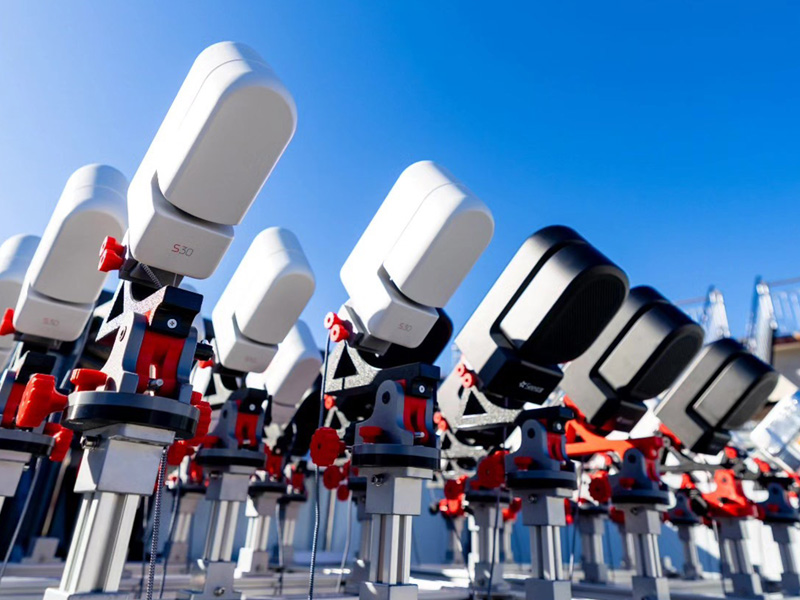
Smart Telescope Pier
$99/month
ZWO Seestar S30 and S50 (including Pro models), DwarfLab Mini, and Draco smart telescopes hosted on a latitude base on shared platform.
Reserve Your Pier
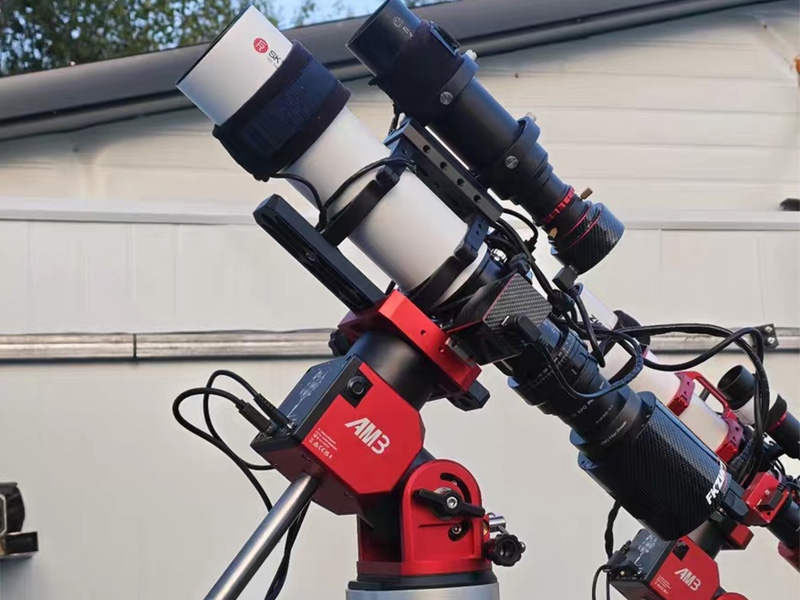
Hobbyist Telescope Pier
$199/month
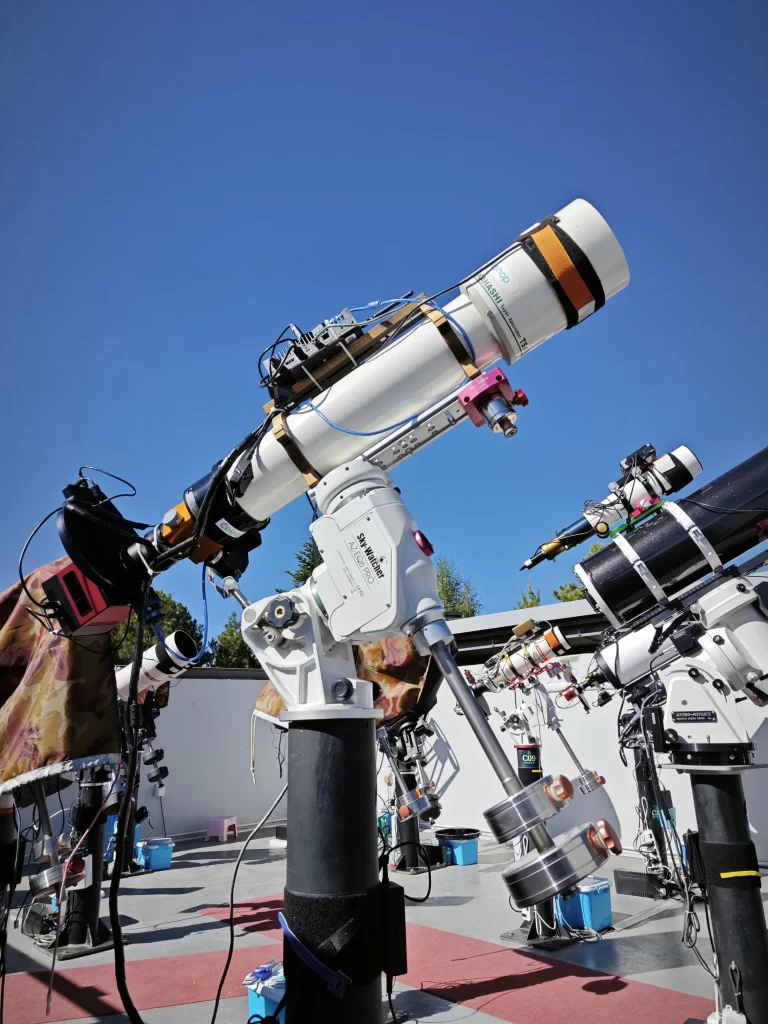
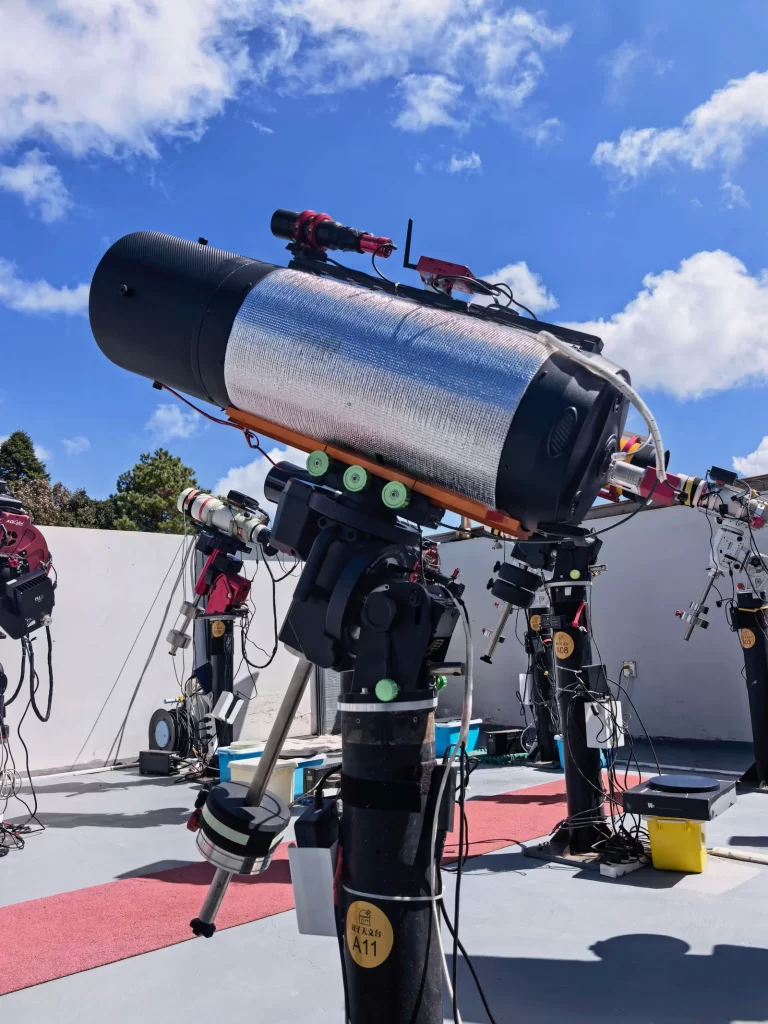
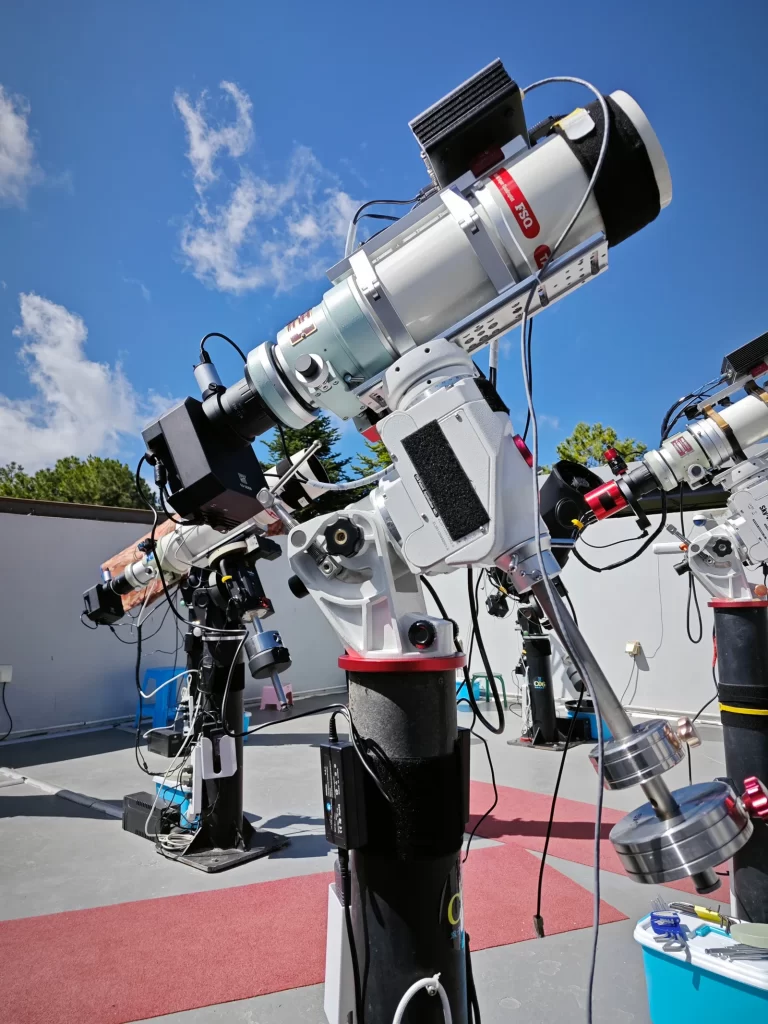
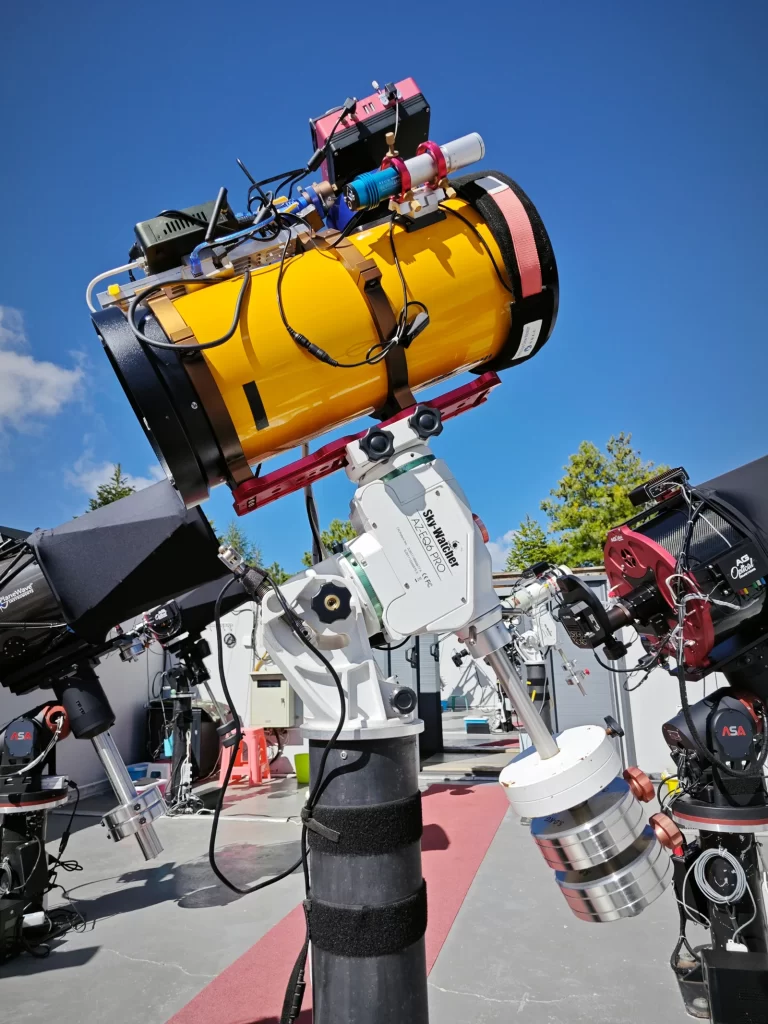
Suitable for small to medium-sized refractors, Newtonians, RCs, and SCTs mounted on AM3, AM5, CEM40, or EQ5 mounts.
Reserve Your Pier
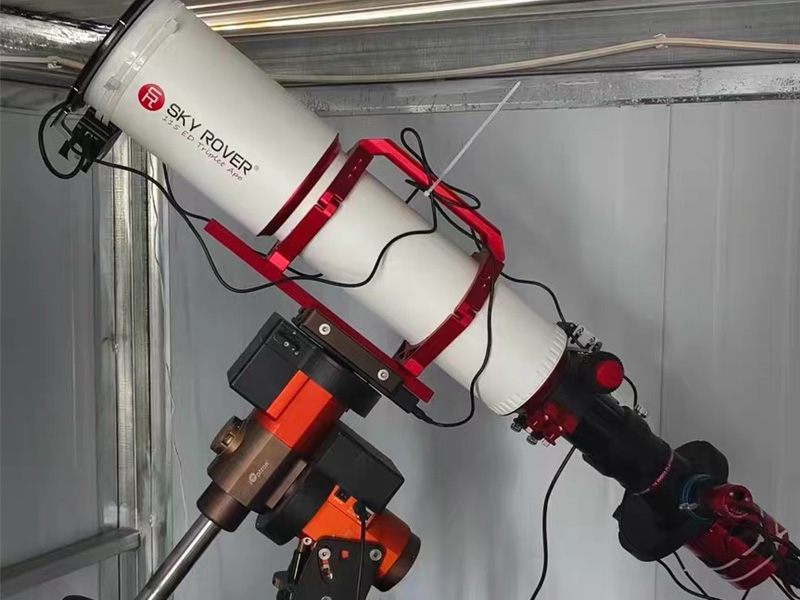
Amateur Telescope Pier
$299/month
Suitable for medium to large refractors up to 120 mm, SCTs, and Newtonians, paired with AM5, AM7, CEM70, or EQ6 mounts.
Reserve Your Pier

Research Telescope Pier
$399/month
Designed for refractors up to 180 mm and 14-inch CDKs or SCTs, hosted with premium L-350, Mach2, Paramount MX, or ME II mounts.
Reserve Your Pier
Add-On for Your Rig
Enhance Your Rig Setup With Optional Upgrades
Enhance your remote observatory setup with a range of optional upgrades, including a dedicated pier camera for remote monitoring, astronomy-dedicated cameras for improved imaging capabilities, a RemoteClearSky Mini PC for seamless remote operation, an SCT dew shield to help prevent dew formation, and a flat panel for consistent and efficient flat-field calibration. These upgrades provide greater control, convenience, and reliability, helping you optimise your equipment and achieve a smoother, more productive astrophotography experience under clear skies.
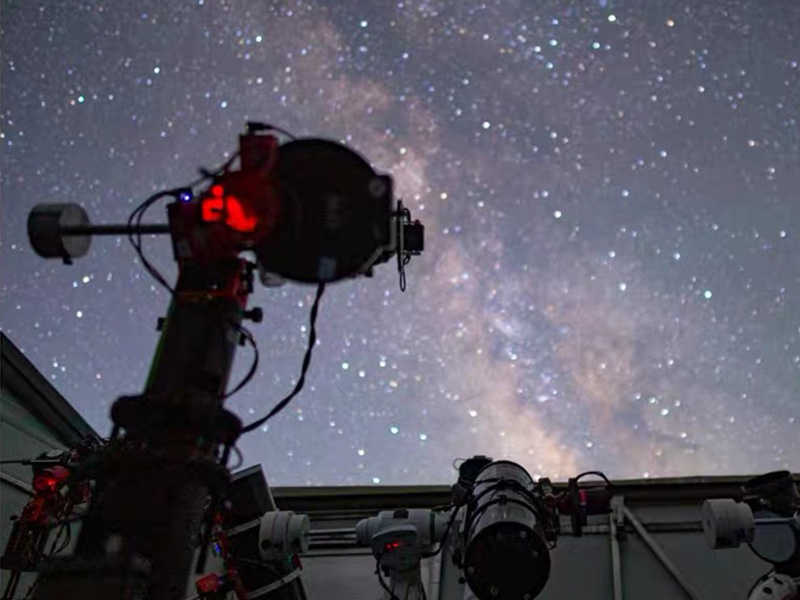
Pier Camera(Narrow field)
A narrower field of view captures your mount and rig up close, ideal for monitoring slews, cable movement, and dew formation.
Reserve Your Pier
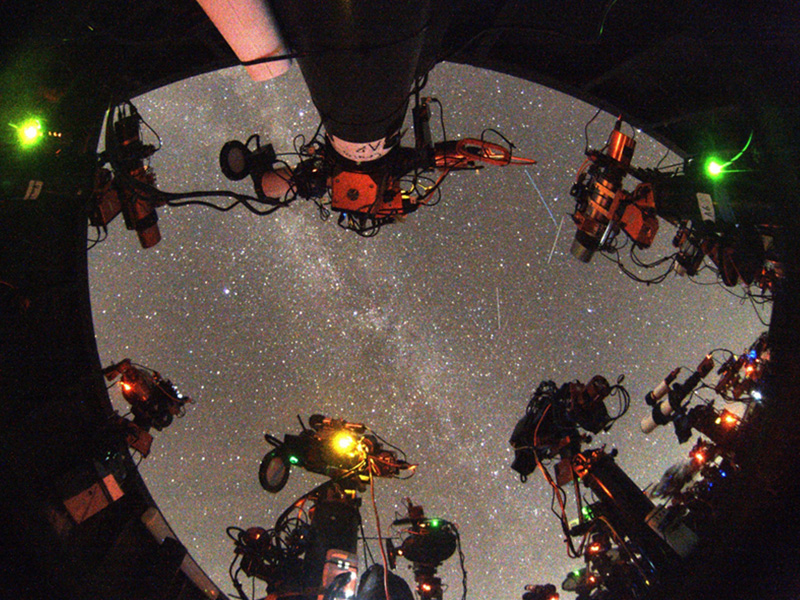
Pier Camera (Ultra-wide)
An ultra-wide, all-sky view of your rig and its surroundings, delivering approximately 6× the resolution of the 662MC.
Reserve Your Pier
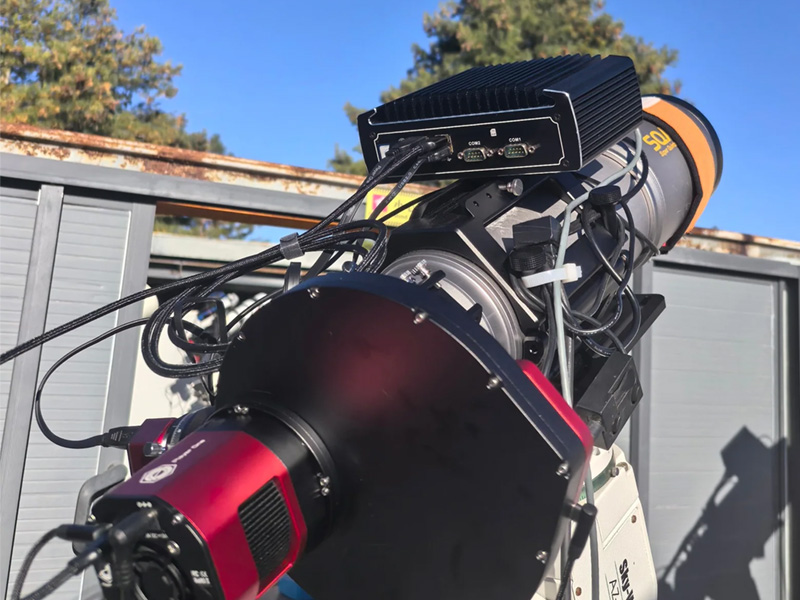
RemoteClearSky Mini PC
Control your astronomical equipment wirelessly or over the internet using your smartphone, tablet, or PC from virtually anywhere with ease.
Reserve Your Pier
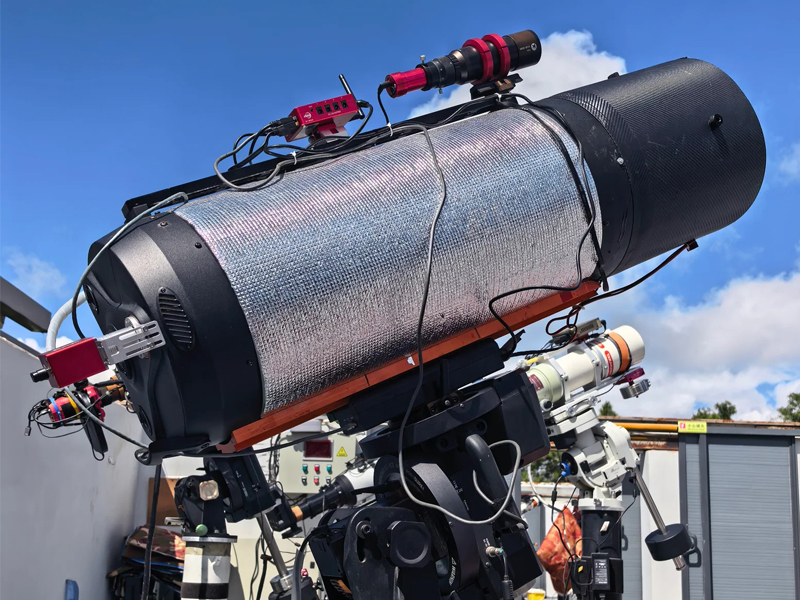
SCT Dew Shield
Designed for refractors up to 180 mm and 14-inch CDKs or SCTs, hosted with premium L-350, Mach2, Paramount MX, or ME II mounts.
Reserve Your Pier
Discover Remote ClearSky Observatory
A global network of robotic telescopes designed for astrophotography, astronomy education, and scientific research. We make advanced astronomical technology and resources accessible to people around the world, empowering more people to explore, learn, and discover the universe.
How Remote Hosting Works?
As technology continues to advance and remote hosting becomes increasingly accessible, more astrophotographers and amateur astronomers are turning to remote observatories to take their craft and research to the next level. Access to pristine, darker skies, a higher probability of clear weather, and the convenience of operating equipment from home make remote astrophotography an increasingly attractive option for both astrophotographers and researchers.
Step 1
Measure the System
Measure the total space required for your telescope and mount, ensuring sufficient room for setup, movement, and safe operation.

Step 2
Reserve Your Pier
Secure your pier with a reservation deposit. Observatory piers are allocated on a first-come, first-served basis.

Step 3
Ship Your Gear
Ship your equipment to Starhunter or drop it off in person. We’ll coordinate the arrangements with you either way.

Step 4
We Install and Align
Our on-site team installs your rig to your exact specs, polar aligns it, connects everything, and tests it onsite.

Step 5
Control It Remotely
Control your telescope remotely from home over the internet.
RESERVATION DEPOSIT
A refundable deposit equal to one month’s fee secures your pier and covers installation. No additional setup fee applies. Refundable before installation.
TECHNICAL SUPPORT
Basic support is included. Advanced adjustments, including collimation, tip-tilt, and polar alignment, cost RM160/hour.
WHEN BILLING STARTS
Billing begins once your telescope is installed, aligned, and capturing data—not during reservation or transit.
1.How Does Technical Support Work at Remote ClearSky?
Remote ClearSky Observatory has a dedicated, full-time onsite technical team ready to assist with telescope maintenance, troubleshooting, and repairs. Our experienced technicians handle a wide range of technical tasks, including optical collimation, polar alignment, tip-tilt adjustments, electronic board replacements, and other essential telescope servicing.
Need technical assistance? Simply submit a support ticket through our support system, and our team will work with you to resolve the issue and get your telescope back to observing as smoothly as possible.
2.How to Ship Your Telescope Safely?
Always insure your telescope equipment before shipping. Although shipping accidents are rare, damage can still occur. Ensure your equipment is packed according to your carrier’s packaging guidelines, as inadequate packaging may affect insurance coverage and liability. Alternatively, have the carrier professionally pack your equipment, and confirm the applicable insurance terms before shipping.
Before Shipping Your Equipment
To minimize the risk of damage, please follow these precautions:
- Remove accessories: Detach cameras, ZWO EAFs, filter wheels, flat panels, USB cables, and other protruding accessories from your optical tube assembly (OTA). Pack them separately.
- Secure your optics: Install all lens caps and protective covers. For SCT telescopes, engage the primary mirror locks and securely tighten the secondary mirror screws.
- Protect your mount: For German equatorial mounts, disengage the gears or clutches to prevent impact forces from damaging the gear teeth.
- Pack heavy items separately: Counterweights and other heavy accessories should be packed separately to prevent them from damaging other equipment.
- Use proper packaging: Wrap each item generously in bubble wrap and surround it with sufficient cushioning material to absorb shocks and impacts. Original packaging or carrying cases are ideal when available.
- Use residue-free tape: If tape is necessary, painter’s tape is recommended to minimize adhesive residue on your equipment.
In general, when you pack equipment, it is a good idea to give your equipment a healthy layer of bubble wrap to prevent dents, and then surround it with padding material (peanuts, newspaper, airbags, etc) to protect against jolts or drops. ANYTHING left on the OTA which sticks out is subject to higher damage risk. EFWs, EAFs, flat panels, anything 3d printed. Please uninstall these and pack them separately to keep them safe.It is also a good idea to grab a couple of quick pictures of the packages before they are shipped. We also take pictures of packages as they arrive. This way if there are any issues, you have proof of the package condition prior to shipment.
3.How Do Reservations and Billing Work?
Our refundable reservation deposit secures your pier at Remote ClearSky Observatory, where availability is limited. The deposit is fully refundable at any time, with no questions asked.Your deposit also covers the telescope installation fee, so there are no additional installation charges.
Annual billing begins only when your telescope system is fully installed, operational, and ready for imaging.
4.What If I Have Multiple Telescopes or a Piggyback?
Two Simple Options
- Piggyback or Side-by-Side Setup: Depending on your telescope size, you can mount an additional telescope on your main telescope for RM399 per month. Piggyback and side-by-side configurations are available only for Hobbyist and Amateur piers.
- Rent a Separate Pier: Alternatively, you can rent a separate pier for your additional telescope.
No Additional Installation Fee: Adding a piggyback or side-by-side system does not incur an extra installation fee. Only the additional monthly fee of RM399 applies to the piggyback option.
5.What Do I Need to Send?
Equipment Requirements for Remote Telescope Hosting
We provide the pier, pier adapter, Ethernet connection, and AC power outlet.
You will need to ship the remaining equipment required for your telescope system.
1. Essential Imaging Equipment
- Imaging camera
- Telescope
- Mount
- Guide scope or off-axis guider (OAG)
- Guide camera
- Computer/min Pc
2. Required Peripherals and Accessories
Please include all accessories needed to operate your equipment, such as:
- USB cables
- Power supplies
- Web-controlled power strip
- Ethernet switch (if using multiple network devices)
- Ethernet cables
3. Mounting Hardware
Please include the necessary mounting hardware for installation:
- Polar alignment pins: The pins from your tripod that allow us to secure your mount to our pier plate.
- Tripod flange screws: Typically three M6 bolts for mounts such as the ZWO AM3 and AM5.
- Special pier adapters: Required for certain mounts with non-standard mounting interfaces, such as the GM1000HPS and CGX.
4. Labelling and Setup Instructions
Clearly label every item with your name. The more labelling, the better! This helps us identify your equipment and keep track of all components throughout the installation process.If you have a photo of your complete setup or any special installation requirements, please include them digitally or as printed copies with your shipment. This will help us install your system as accurately as possible.Once your equipment arrives on-site, our team will handle the installation and cable management, so there is no need to include cable ties or zip ties.
Finally, please include an itemized packing list of all the equipment and accessories you are shipping. This allows us to verify your inventory as each item arrives and helps ensure nothing is missing.Need technical assistance? Simply submit a support ticket through our support system, and our team will work with you to resolve the issue and get your telescope back to observing as smoothly as possible.