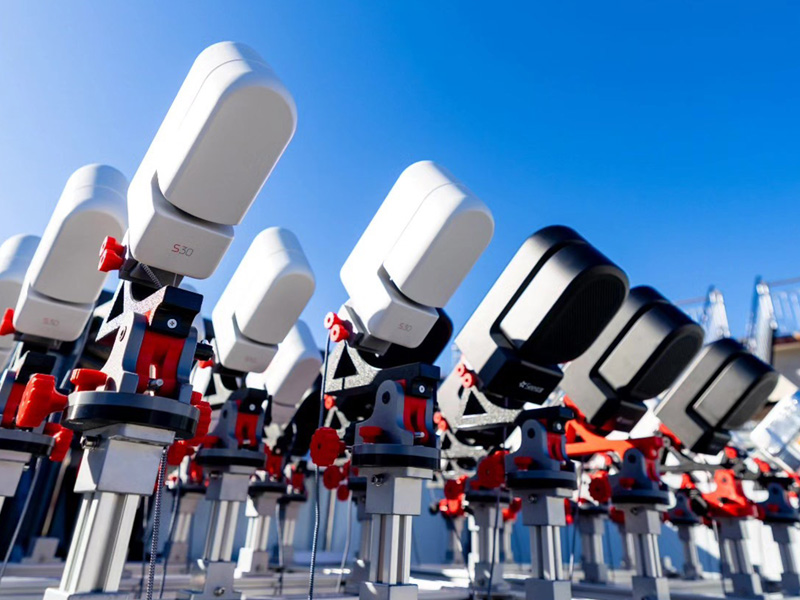
ZWO Seestar S30pro and S50 pro, DwarfLab Mini, and Draco smart telescopes.


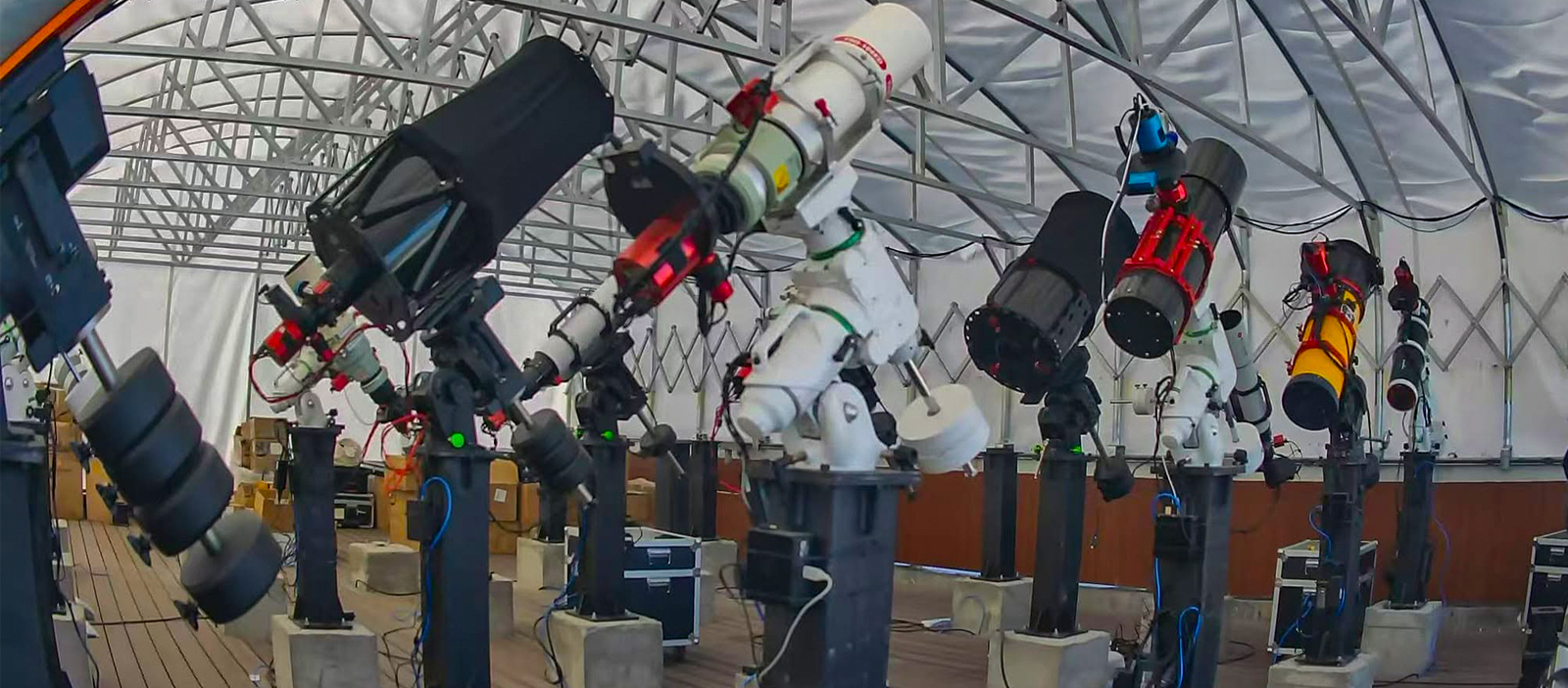
Remote Telescope Rentals

Rent Remote Telescopes at Competitive Prices
Affordable Remote Telescope Imaging System for Every Astrophotographer.
Affordable Remote Telescope Imaging System for Every Astrophotographer.
Rent dedicated, pre-configured, high-end imaging rigs and telescope pier space at dark-sky locations, and capture stunning deep-sky images remotely over the internet. Plans range from $400 to $1,200 per month.
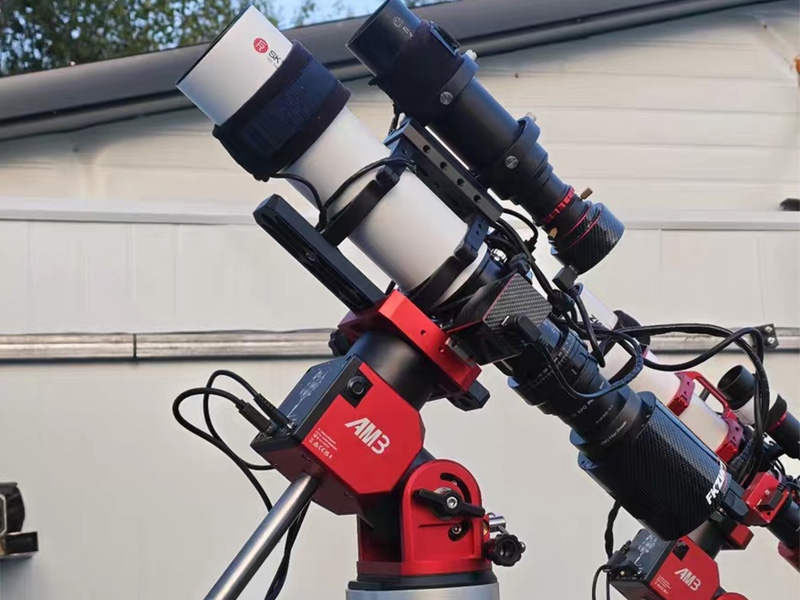
Hobbyist Telescope
$600(RM2450)/month
Skyrover 70APO + ZWO ASI 2600MC +
Antlia 3nM DUaBand + ZWO AM3 Mount
Rent a Scope
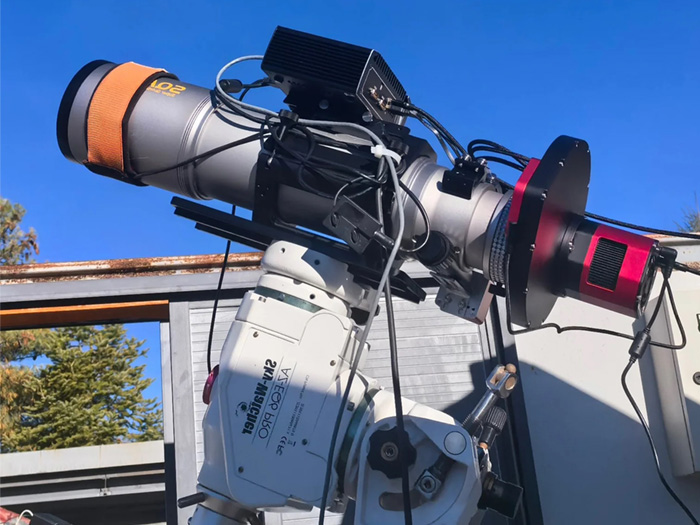
Amateur Telescope
$800(RM3268)/month
Askar SQA106 + PlayerOne Poseidon-M Pro + Astrodon Gen2 E-Series LRGB Ha 5nm + Sky-Watcher AZEQ6
Rent a Scope
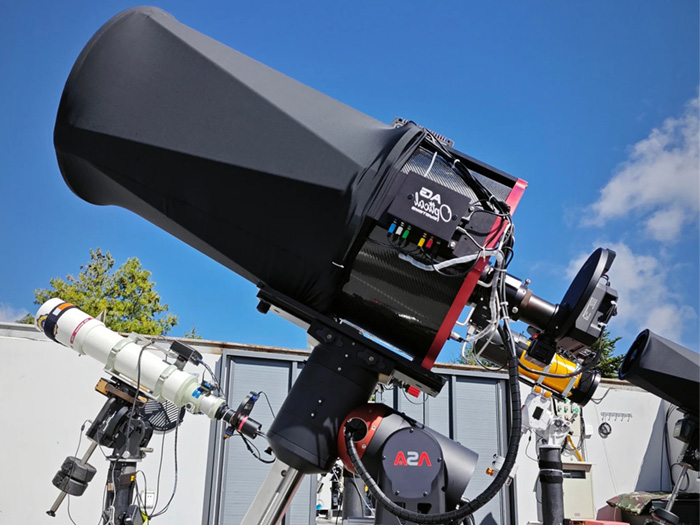
Research Telescope Pier
$1500(RM6120)/month
AG Optical iDK 17′ + Moravian G4-16000 + Astrodon Gen2 E-Series LRGB, SHO 5nm + ASA DDM100
Rent a Scope
Shared Telescope Rental Program
A Collaborative Approach to Remote Astrophotography
The Remote ClearSky Shared Telescope Rental Program makes professional remote astrophotography more accessible through a collaborative rental model. Instead of investing in a complete telescope, mount, camera, and observatory setup individually, a small team can share the rental cost of a dedicated imaging system hosted under pristine Bortle 1 skies.Designed for teams of 2, 3, 4, or 6 members, the program provides an affordable way to explore deep-sky astrophotography, develop imaging skills, and capture astronomical objects throughout the year.Members share the monthly rental fee and coordinate their imaging sessions, allowing everyone to benefit from access to high-quality equipment at a fraction of the individual cost.
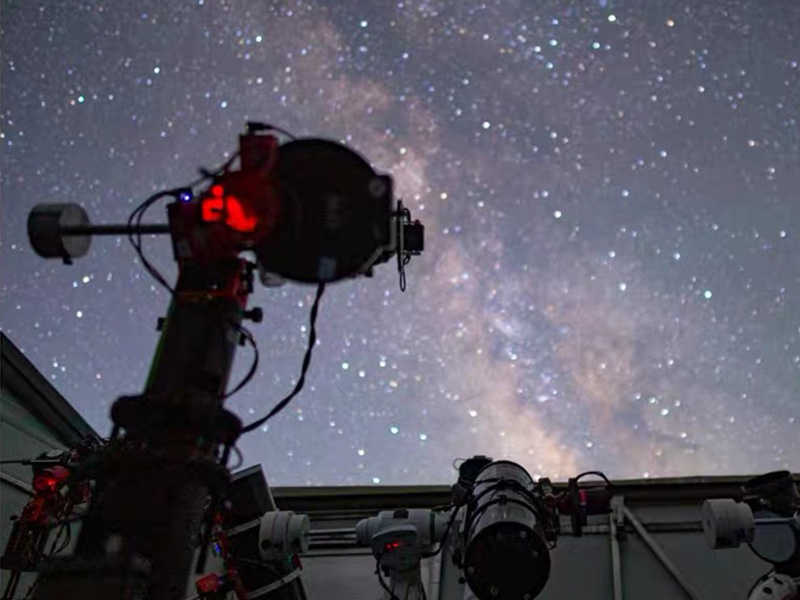
2-Person Telescope Team
No groups are currently open for registration. Contact us to join an upcoming group or start your own telescope-sharing team.
Enquiry
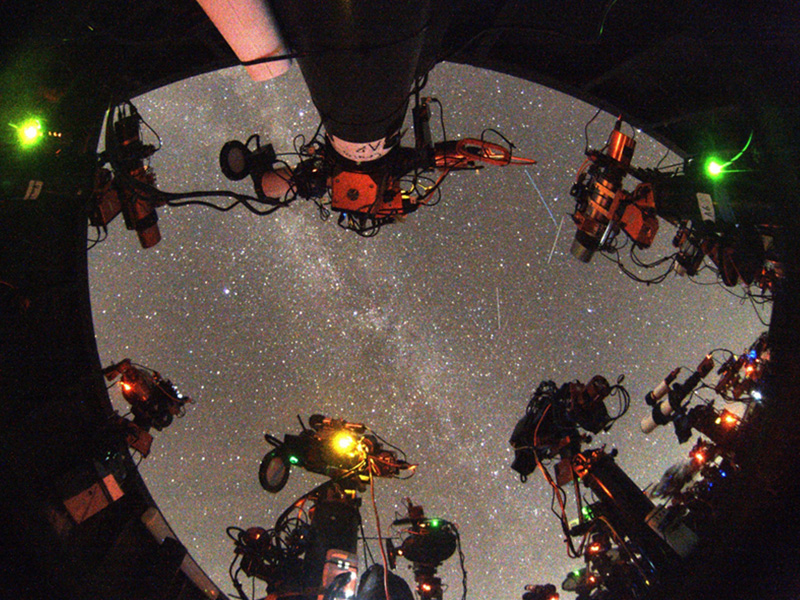
3-Person Telescope Team
No groups are currently open for registration. Contact us to join an upcoming group or start your own telescope-sharing team.
Enquiry
4-Person Telescope Team
No groups are currently open for registration. Contact us to join an upcoming group or start your own telescope-sharing team.
Enquiry
6-Person Telescope Team
No groups are currently open for registration. Contact us to join an upcoming group or start your own telescope-sharing team.
Enquiry
Discover Remote ClearSky Observatory
A global network of robotic telescopes designed for astrophotography, astronomy education, and scientific research. We make advanced astronomical technology and resources accessible to people around the world, empowering more people to explore, learn, and discover the universe.
How Telescope Rental Works?
As technology continues to advance and remote hosting becomes increasingly accessible, more astrophotographers and amateur astronomers are turning to remote observatories to take their craft and research to the next level. Access to pristine, darker skies, a higher probability of clear weather, and the convenience of operating equipment from home make remote astrophotography an increasingly attractive option for both astrophotographers and researchers.
Step 1
Choose Telescope Setup
Select your preferred telescope and imaging equipment based on your experience, budget, and astrophotography goals.

Step 2
Choose Your Rental Plan
Choose a rental plan that suits your needs, whether you are imaging solo or sharing a telescope with a team.

Step 3
Schedule Imaging Plan
Plan your shooting sessions, select your astronomical targets, and arrange your observation schedule.

Step 4
Initial Learning Workshop
Learn the essentials of remote telescope operation, imaging software, and capture workflows with our guided introduction.

Step 5
Connect Remotely & Capture
Access your telescope remotely, control the imaging setup, and capture stunning deep-sky images under dark skies.
RESERVATION DEPOSIT
A refundable deposit equal to one month’s fee secures your pier and covers installation. No additional setup fee applies. Refundable before installation.
TECHNICAL SUPPORT
Basic support is included. Advanced adjustments, including collimation, tip-tilt, and polar alignment, cost RM160/hour.
WHEN BILLING STARTS
Billing begins once your telescope is installed, aligned, and capturing data—not during reservation or transit.
1.Renting Remote Telescope Hosting vs. Renting a Remote Telescope?
Renting remote telescope hosting or pier space allows you to use your own equipment for astronomical observation and imaging, giving you a tangible sense of ownership. The trade-off is the substantial initial investment and the physical effort required to transport heavy equipment to dark-sky locations, which also takes considerable time and energy. However, if you already have a private observatory or a suitable backyard, you can avoid the hassle of travelling and enjoy greater efficiency. In these cases, your main limiting factors are likely to be clear-sky availability, atmospheric seeing, and SQM (Sky Quality Meter), which measures sky brightness and darkness.
With remote telescope hosting, your own equipment is permanently installed at an observatory, saving you the time and effort of travelling to dark sites while allowing you to image under more favourable conditions. The main financial considerations are the initial cost of purchasing your equipment and the recurring hosting fees.On the other hand, renting a remote telescope offers several advantages. You can benefit from excellent imaging conditions, as remote observatories are often located in areas with minimal light pollution, high clear-sky rates, and favourable atmospheric stability. Instead of travelling to an observatory, you can simply use your computer or compatible smartphone to operate the telescope and capture images remotely. This allows you to spend more time imaging and potentially collect more data within the same timeframe. The main trade-off is that you are renting access to the telescope rather than owning it.
Ultimately, the choice depends on your priorities. Some astrophotographers prefer owning their equipment, knowing that they can potentially resell it and recover part of their investment if they lose interest in the hobby. Others prioritise collecting more data under dark, stable skies to produce higher-quality deep-sky object (DSO) images or add detail to their existing work. Purchasing an equivalent imaging system can be expensive and less cost-effective if usage is limited, making remote telescope rental an attractive alternative.
Which approach do you like better?
2.How to use Remote Telescopes?
Generally, getting started takes just two simple steps:.
1. Download TeamViewer and provide us with your TeamViewer ID when we contact you to set up your rental or free 3-day trial. That’s all! TeamViewer is free for you to use and is required to remotely access the mini PC connected to the telescope.
2. Choose your preferred imaging software. We’ve pre-installed N.I.N.A. on the mini PC for automated imaging. You’re also welcome to use other compatible imaging software you’re familiar with, such as TheSkyX or MDL.
We’ve also prepared a Remote Telescope User Guide to help you get familiar with the system before booking any service. If you’re planning to try our FREE 1-day trial, we recommend reading the guide beforehand to make the most of your valuable imaging time.
3.How will I get my data - images?
We’ve also prepared a Remote Telescope User Guide to help you get familiar with the system before booking any service. If you decide to try our FREE 1-day trial, we recommend reading the guide beforehand to make the most of your valuable imaging time.
DATA SYNCHRONIZATION AND STORAGE
- Automatic Data Synchronization: Your imaging data is automatically synced to a shared Dropbox folder approximately every 5 minutes, provided it is saved in the designated data directory on the telescope PC.
- Private Data Access: Your data will only be shared with the email address you provided during registration.
- Local Data Removal: On the day after your service ends, once we have confirmed that your data has been successfully synchronized to the cloud, we will delete the local copies from the telescope PC, unless you have agreed to share them with us.
- Cloud Storage Period: Your synchronized data will be retained in Dropbox for 30 days to give you ample time to download and back up your files. After this period, the cloud-based data will be deleted.
4.What are the opening hours for the observatory?
Observatory Roof Opening: At RemoteClearSky Lijiang Observatory, the roof typically opens after 18:00 local time (10:00 UTC) on clear nights, ahead of the daily service period, which begins at 21:00 local time. This allows you to familiarize yourself with the system, complete equipment setup, or perform other preparation tasks before your session begi
Observatory Roof Closing: The roof typically closes one hour after the daily service ends at 06:00 local time (22:00 UTC). This provides additional time to capture twilight flat frames, process acquired data, or schedule follow-up tasks. Please plan your imaging and other activities within the available operational window to avoid potential data loss.
Severe Weather and Emergency Shutdowns: During the local summer season, the observatory may occasionally experience prolonged heavy rainfall, high humidity, thunderstorms, or lightning. To protect the equipment from humidity-related damage and electrical hazards, local staff may temporarily shut down the observatory by cutting power to the mounts, cameras, mini PCs, and other observatory systems. All clients currently using the remote telescopes will be notified promptly by email of any mandatory shutdown.
5.Is there local technical support and how can I get help?
1.On-Site Technical Support:
Our on-site technical personnel are available to assist with urgent hardware and software issues that require temporary on-site intervention, including but not limited to:
- Unexpected hardware connection failures
- Guiding issues or failures
- Polar axis re-calibration
2. Local Staff Working Hours:
At Gemini Observatory, our local staff are available during the following hours:
- Local Time: 14:00–00:00
- UTC: 06:00–16:00
Requesting Local Support: You can contact us by text message or email to request on-site assistance during staff working hours. You may also contact us in advance to schedule support when needed.
6.What is the Setup & Onsite-support fee for?
The Setup & Onsite-support fee is a one-time fee, shown on each telescope’s page and paid with the first month. It covers the costs of preparing and maintaining the equipment for you, which includes:
1.Initial Setup
Initial Setup: The labor and expertise required to set up the telescope and other hardware, e.g. system balance, polar alignment, cable management etc; preparation for all software needed ensuring it’s calibrated and ready for use, which includes installing necessary drivers and imaging software, configuring auto-focus settings, meridian flip settings, and other related tasks. These preparations are crucial as they ensure the software is properly set up and functional, saving substantial time that would otherwise be spent on troubleshooting and testing.
2.On-site Technical Support:
Ongoing assistance with any technical issues or questions that arise during the use of the equipment, e.g. flat-box preparation, unexpected connection failure etc.
3.Training:
Providing the necessary instructions on how to better use the equipment effectively.
This fee ensures that the equipment you use is always in top condition and that help is available when you need it, allowing you to focus on your astrophotography or stargazing experience.